
Download RaimaRadio – Free Internet Radio Player & Recorder
Overview & Core Features
RaimaRadio is a lightweight, free desktop application that lets you tune into thousands of radio and TV streams from around the globe. Designed with a clean, modern interface, the app offers both listening and recording capabilities, allowing users to capture live broadcasts directly to MP3 files. While the visual layout shines brightest when the window is maximized, the program remains functional at smaller sizes, albeit with occasional UI quirks such as overlapping text boxes. The real strength of RaimaRadio lies in its extensive station database and the ability to add custom URLs, ensuring that you always have a reliable source for your favorite channels. Whether you’re a casual listener searching for a new genre or a podcaster needing a quick way to archive live content, RaimaRadio provides a simple, secure solution without the need for a subscription.
Key Feature List
- Access to thousands of global radio and TV streams in one place.
- Built‑in recorder that saves live audio directly to MP3 format.
- Custom station manager – add, edit, or delete your own favorite URLs.
- Search function that filters stations by genre, country, or language.
- Simple, ad‑free interface with dark and light themes.
- Automatic update checker for the latest station list and bug fixes.
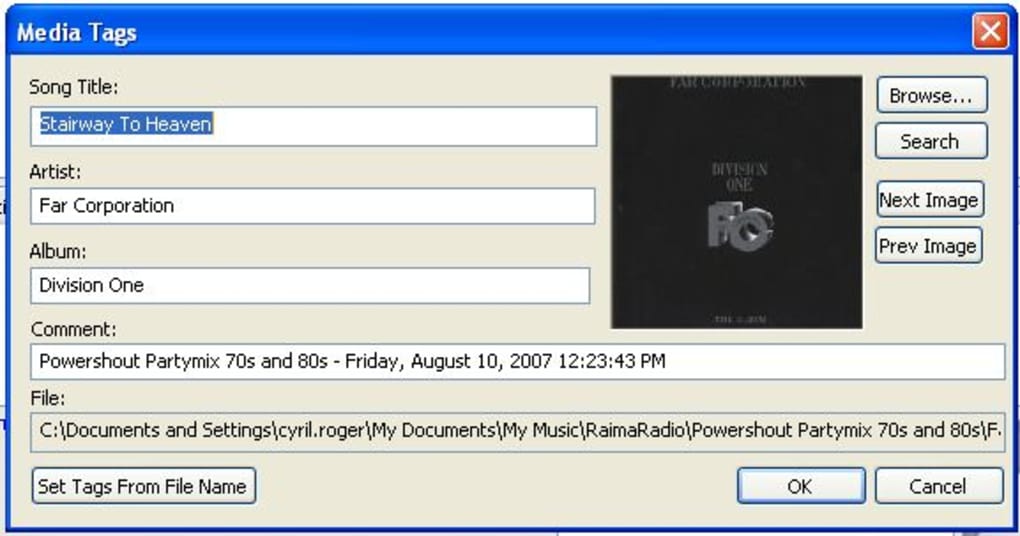
- Support for stream metadata display (song title, artist, bitrate).
- Playlist export/import for easy backup and sharing.
- Low system resource consumption – ideal for older PCs.
- Free download with no hidden fees or trial limitations.
Installation, Setup & Daily Usage
Getting started with RaimaRadio is straightforward. The installer is a single .exe file for Windows users and a .dmg for macOS. After downloading from the official site, run the installer and follow the on‑screen prompts. The default installation path is C:\Program Files\RaimaRadio on Windows, but you can choose any folder with write permissions.
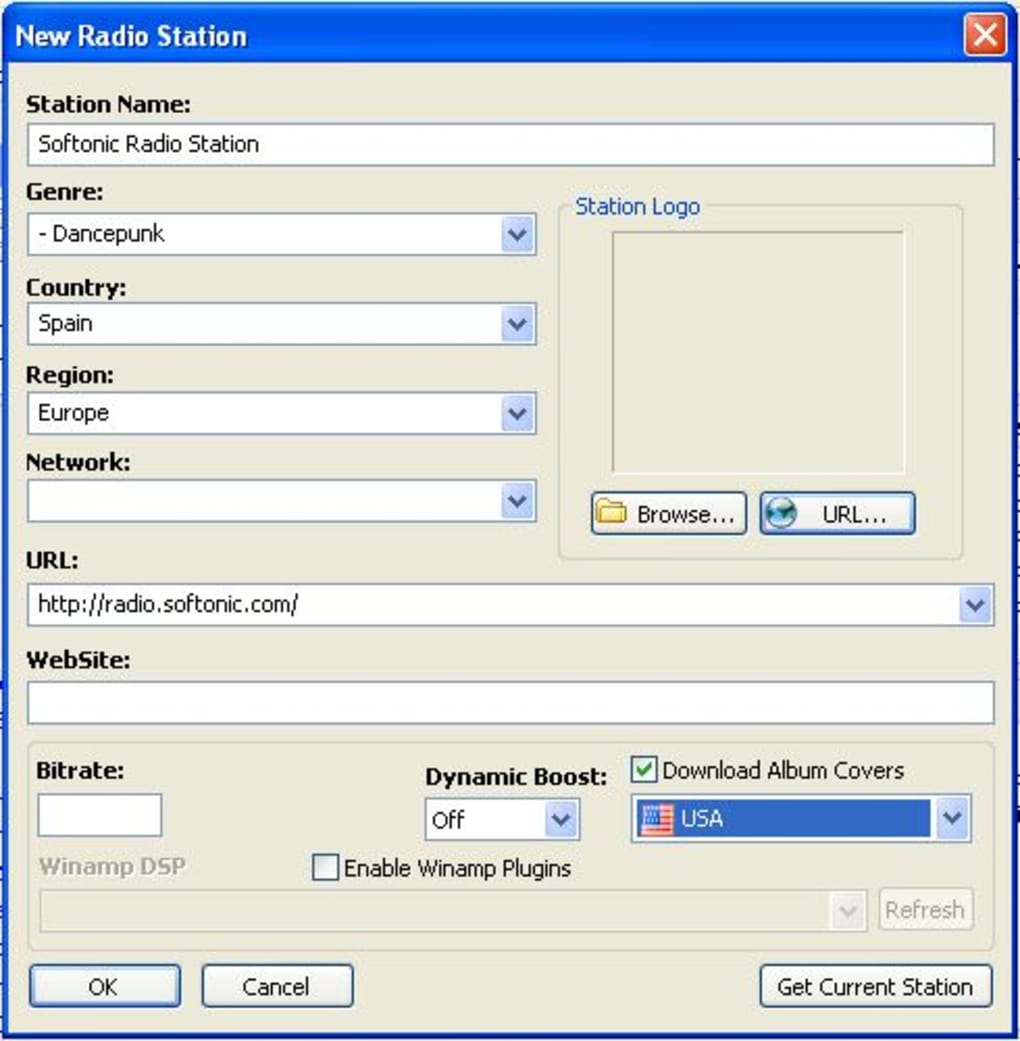
During the first launch, the program will scan its internal database and present a list of popular stations sorted by region. If you encounter unavailable channels (a common issue due to changing stream URLs), simply right‑click the station and select “Refresh URL” or use the “Add Custom Station” button to input a known working link. The custom station manager stores URLs in a local stations.xml file, which can be edited manually for advanced users.
To record a broadcast, select the desired station, click the red “Record” icon, and choose a destination folder. RaimaRadio automatically names the file using the station name and timestamp (e.g., BBC_Radio_2025-10-27_14-00.mp3). Recording can be paused and resumed without losing data, and the built‑in MP3 encoder ensures compatibility with most media players.
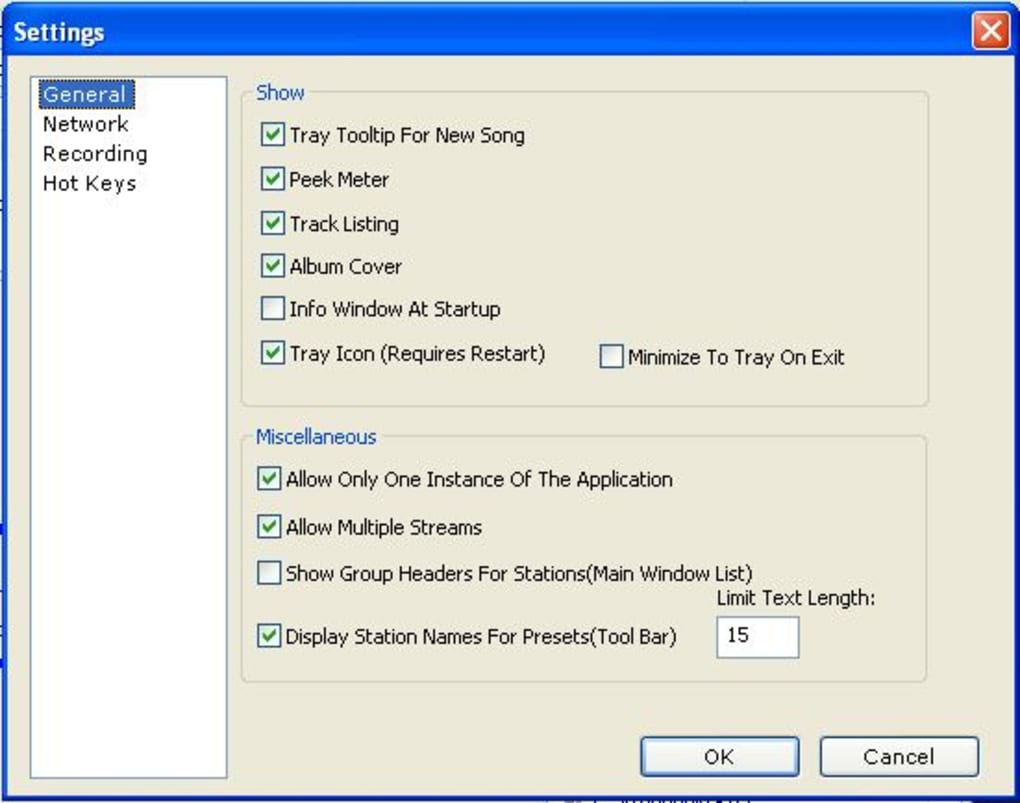
The interface offers quick access buttons: “Play/Pause”, “Stop”, “Volume”, and “Favorites”. Drag the volume slider for precise control, and pin favorite stations to the top of the list for one‑click access. The search bar at the top accepts keywords like “Jazz”, “France”, or “News”, instantly filtering results. For power users, the “Advanced Settings” panel provides options to adjust buffer size, change the user‑agent string (useful for bypassing geo‑restrictions), and enable/disable automatic metadata fetching.
Regular updates are delivered via the built‑in updater. When a new version is available, a notification appears in the lower‑right corner. Clicking “Update Now” downloads the patch, verifies the digital signature for security, and restarts the application with the latest features and bug fixes. This seamless process keeps the station list fresh and the software secure without manual intervention.
Compatibility, Pros & Cons
RaimaRadio is officially supported on Windows 10/11 (64‑bit) and macOS 12 Monterey or later. While there is no native Linux build, the Windows version runs smoothly under Wine, and the macOS package can be executed on Apple Silicon devices thanks to Rosetta 2 translation. Mobile versions are not currently offered, but the desktop client works well on low‑end laptops and tablets that support the required OS versions.
Pros
- Extensive global station catalog – thousands of live streams at your fingertips.
- Free and completely ad‑free, with no hidden subscription fees.
- Built‑in MP3 recorder makes archiving broadcasts effortless.
- Custom station addition guarantees you can always tune in to a reliable source.
- Low CPU and memory footprint; ideal for older hardware.
- Regular automatic updates keep the station list current and the app secure.
- Simple, intuitive UI that requires minimal learning curve.
Cons
- Some listed stations are outdated or no longer broadcasting, leading to occasional “unavailable” errors.
- Interface layout does not resize perfectly when the window is reduced; overlapping text can affect readability.
- Lacks built‑in equalizer or advanced audio processing tools.
- No native mobile app for iOS or Android, limiting on‑the‑go usage.
- Metadata retrieval can be slow for certain streams, causing brief pauses during playback.
Overall, RaimaRadio scores a solid 4 out of 5 stars. Its expansive station list and reliable recording feature outweigh the occasional UI glitches and stale stream entries.
Frequently Asked Questions
How do I add my own radio station URL?
Open the “Add Custom Station” dialog from the toolbar, paste the direct stream URL (usually ending in .mp3, .aac, or .m3u), give it a name, select a genre, and click “Save”. The station appears in your “Favorites” list for quick access.
Can I record a live broadcast for later listening?
Yes. While a station is playing, click the red “Record” button. Choose a destination folder and RaimaRadio will save the stream as an MP3 file in real time. Recording can be paused, resumed, or stopped at any moment.
Why do some stations show as “unavailable”?
Radio streams frequently change URLs or go offline without notice. RaimaRadio’s database is updated weekly, but occasional stale entries remain. Use the “Refresh URL” option or add a known working link manually to resolve the issue.
Is RaimaRadio safe to download and use?
Absolutely. The installer is digitally signed, and the application does not contain any ads, spyware, or hidden fees. Updates are delivered through a secure HTTPS channel and verified before installation.
Does RaimaRadio work on Linux?
There is no native Linux version, but you can run the Windows build using Wine or a virtual machine. The experience is comparable, though some UI elements may render differently.
Conclusion & Call to Action
RaimaRadio delivers a robust, free solution for anyone who wants to explore the world of internet radio without the hassle of multiple browser tabs or subscription services. Its extensive catalog, easy‑to‑use recorder, and custom station support make it a standout choice for both casual listeners and content creators. While the UI can feel cramped at smaller window sizes and the station list occasionally includes dead links, these minor setbacks are outweighed by the app’s core strengths: reliability, simplicity, and zero cost.
If you’re ready to expand your audio horizons, download RaimaRadio now and start listening to global broadcasts instantly. Remember to keep the app updated for the freshest station database and the best performance. Happy listening!







